Solution

Bring in employers

Vouchers as gifts are bought before the holidays. Employers who give their employees the network's voucher put balance into circulation on a regular basis. Here is how your network wins them over.

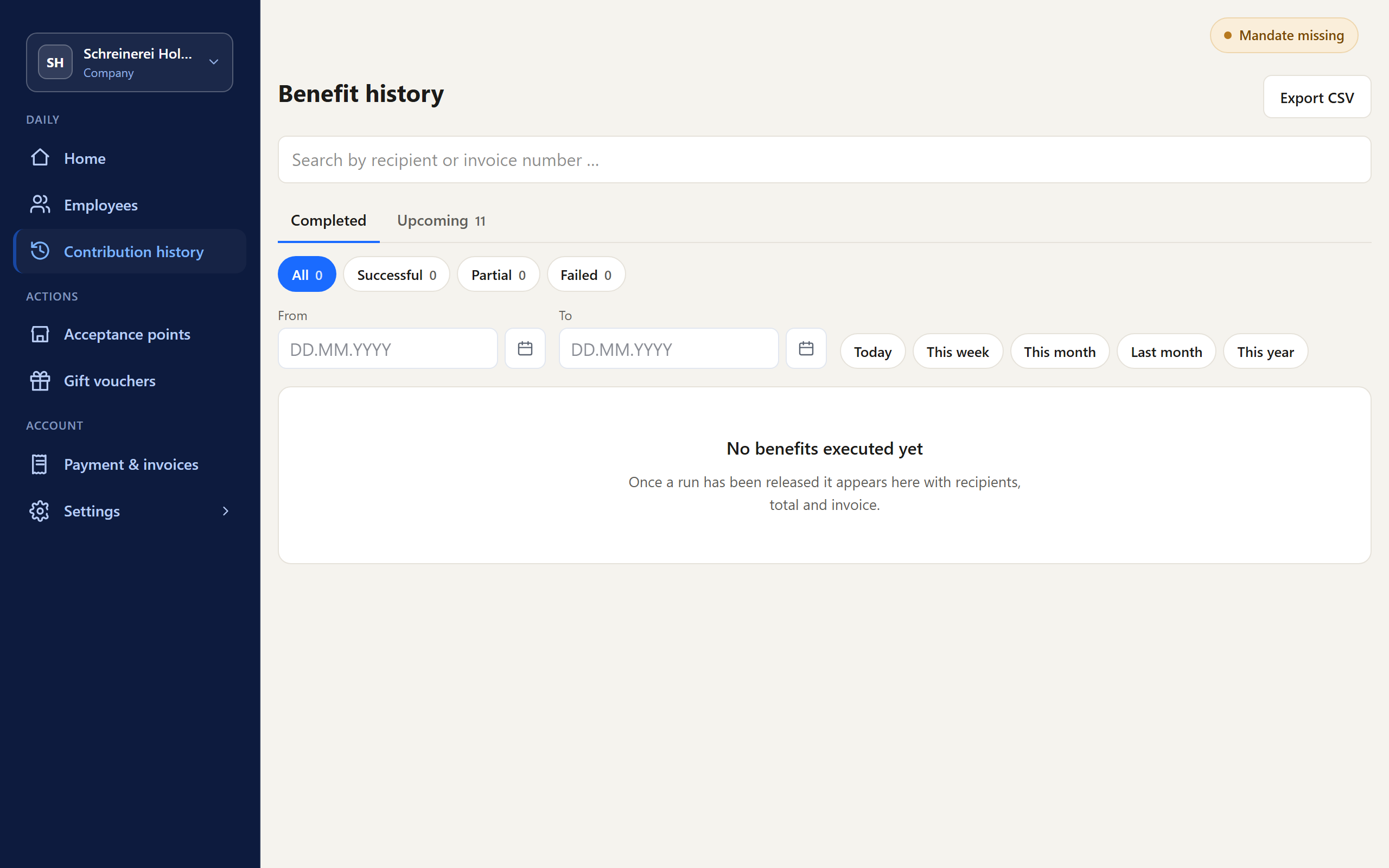
History of benefits in the Company Portal.
Shown with sample data

Employers can bring in balance regularly

A voucher lives on balance that newly comes into circulation. Residents buy for occasions. Employers can issue vouchers one-time or on a recurring basis - if the network approaches them.

The situation, in your words

  • Our voucher sells before Christmas. The rest of the year, it is quiet.
  • Local employers give their people cards that work everywhere - and rarely end up with us.
  • HR and city marketing do not talk to each other.
  • We have not asked the employers yet.

What changes

  • Employers issue your network's voucher as an employee voucher - one-time or recurring.
  • Spent in the network, at local businesses.
  • The employer manages employees and benefit payments in the Company Portal. For its benefit payments, it receives a consolidated invoice.

NEA-Taler

District of Neustadt a.d.Aisch-Bad Windsheim, Bavaria

Employers in the district load non-cash benefits for their employees onto the NEA-Taler.

Read case study

Kemptner City Card

City of Kempten (Allgäu), Bavaria

The Kemptner City Card can be used as an employee voucher; employers manage it through a business portal.

Read case study

How your network wins employers

Employers know national cards for benefit payments. Your offer is a different one: the network is the brand, and the voucher is redeemed at local businesses.

What you tell employers

  • A benefit that lands: employees redeem the voucher where they shop anyway.
  • One-time for an occasion or recurring.
  • Visible commitment: the company's money is spent at businesses in its own location.
  • Little administration: add employees, set the benefit payment, one-time or recurring.

How you go about it

  • Start with the employers you know: members of your association and the largest businesses in town.
  • Talk to the person who decides on benefits - the owner, management, or HR.
  • Bring the list of participating businesses. Employers first ask where their employees can redeem the voucher.
  • Not every employer wants to issue on a recurring basis right away. A one-time benefit payment for an occasion is a start.

What happens in the portal

  • The employer adds its employees and assigns benefit payments - one-time or recurring.
  • The employees receive your network's voucher and redeem it at participating businesses.
  • For its benefit payments, the employer receives a consolidated invoice.

What employers pay the network is set by the network. Awiti charges the network 2.0% on the issuance of employee vouchers, plus VAT.

An employer's benefit payments in the Company Portal.
Company Portal: an employer's benefit payments. Shown with sample data. Shown with sample data

More in the knowledge base

How your network wins merchants and employers for the launch is explained in the knowledge base.

Bring employers into the loop

In a call, we show you the Company Portal and clarify how your network approaches employers.

WhatsApp