
The city voucher under your network's name
The network issues the voucher under its own name and sets the rules. Residents buy it and give it as a gift. It is spent at local merchants.
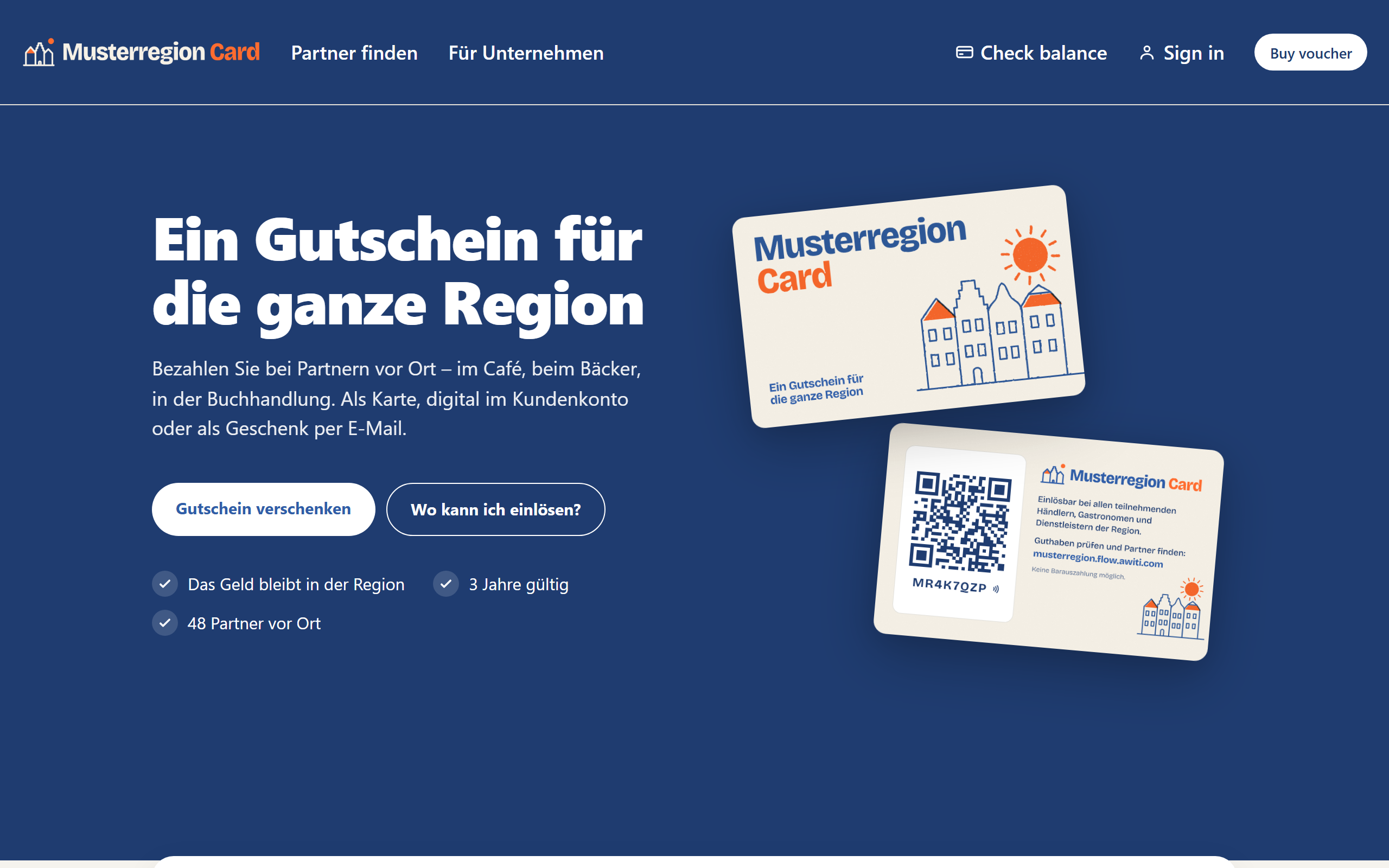
The network's site carries its own name, not Awiti's. Shown with sample data.
Your own name, your own design
Residents don't buy an Awiti voucher. They buy their city's voucher. The network sets the name, design, and rules. Awiti stays in the background.
- Your own design for cards and vouchers
- Your own domain and your own public site
- System emails that the network adapts to its own tone
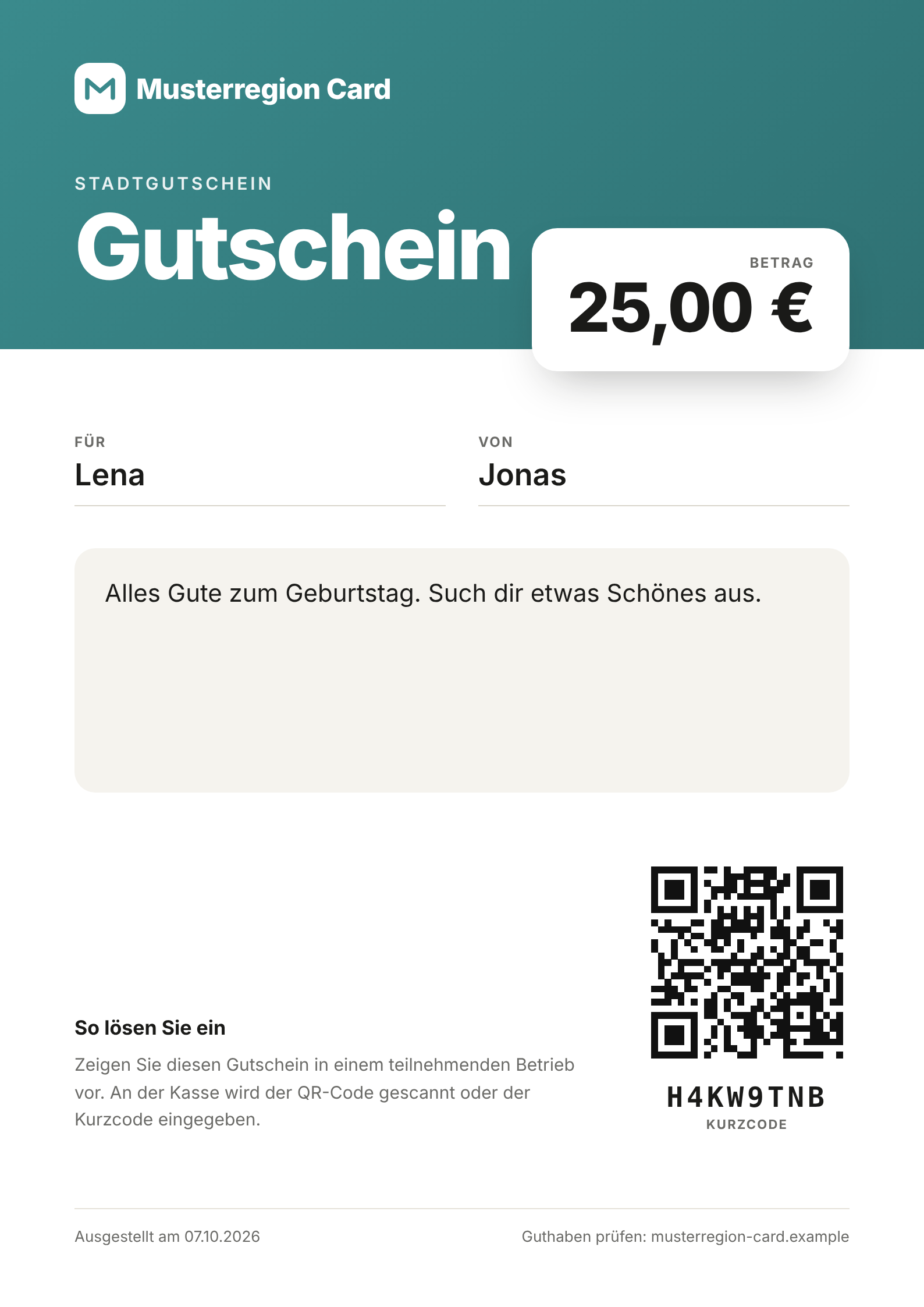
As a card, digital, or PDF
The voucher is available as a plastic card, in digital form, and as a PDF voucher. The network creates card batches for plastic cards and PDF vouchers in the network admin. Every card and every voucher has a QR code and a card code. At checkout, the QR code is scanned with the camera or the card code is entered.
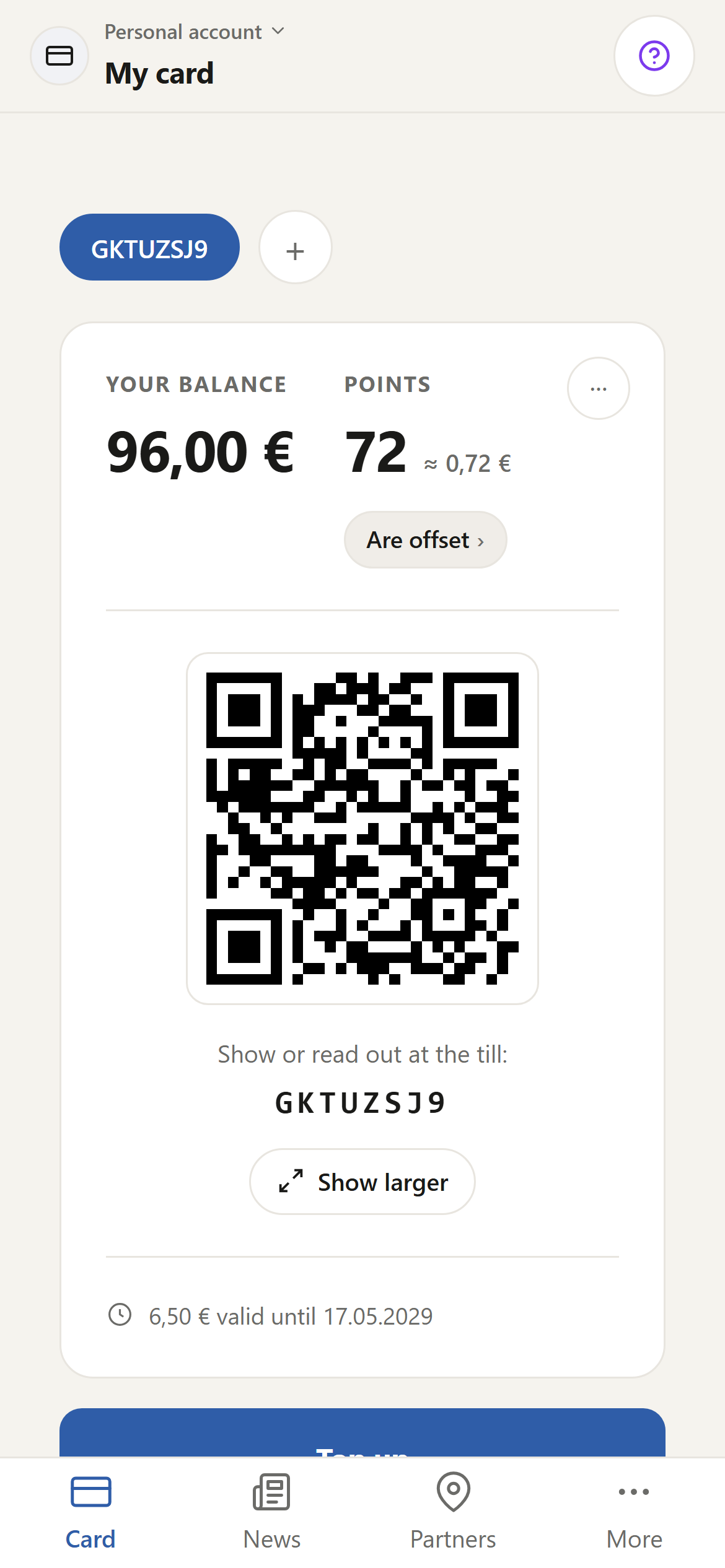
A voucher does not have to be spent all at once. The merchant deducts the purchase amount, and the rest stays on the card as balance.
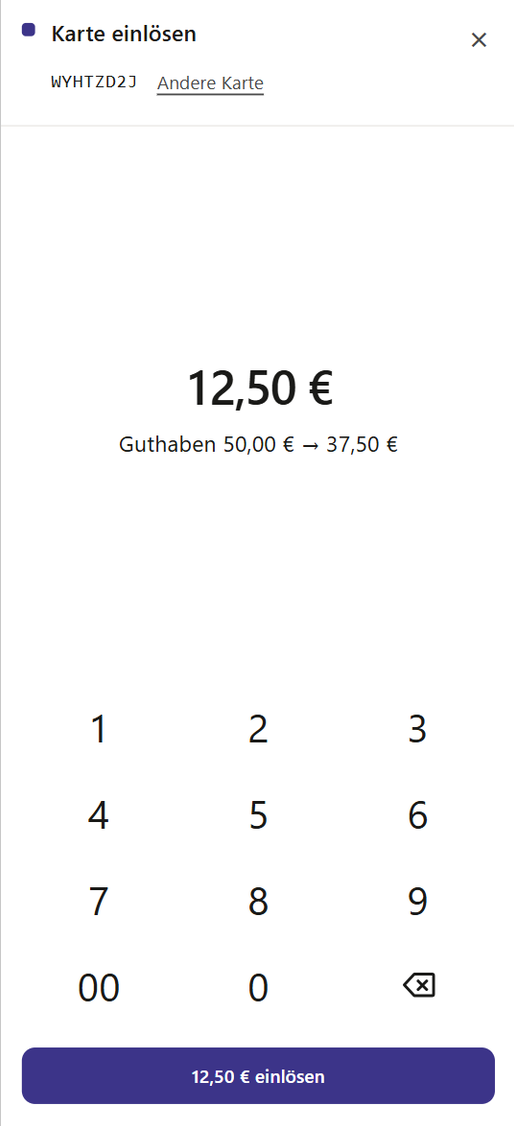
Spent at local merchants
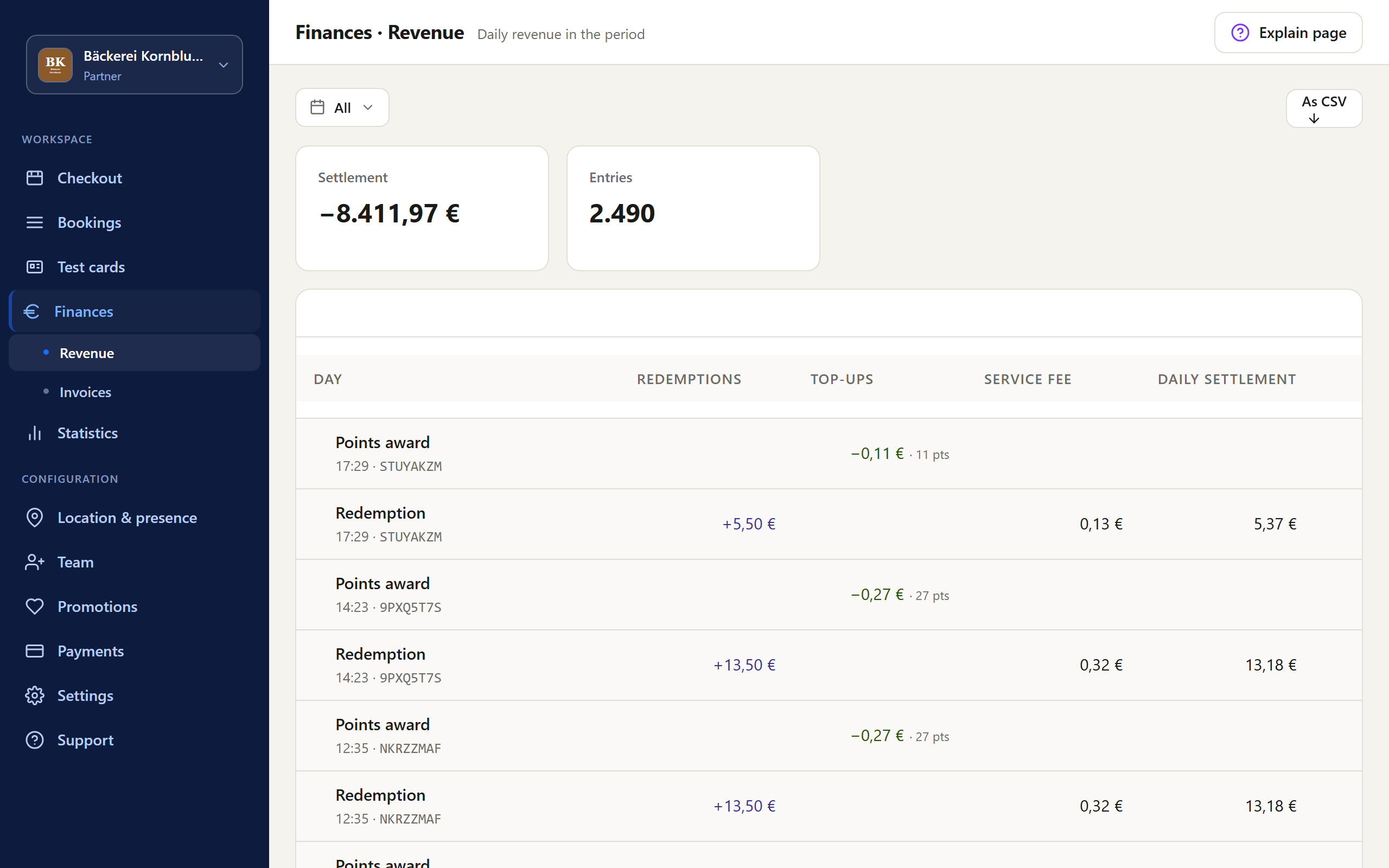
Merchants accept the voucher in the browser, with the checkout screen in the Partner Portal. A smartphone, tablet, or PC they already have is all it takes. No new device, no app needed. They scan the code with the camera or enter it.
- Redeem vouchers, including partial amounts
- Load cards
- Check balance
- Award and redeem points
- Cancel a transaction on the same day
The network decides which of these features each business sees. Merchants see their sales and invoices in the Partner Portal. Awiti One, the merchant app for Awiti Flow, is coming soon for iOS and Android.
What the network decides
- Issuing
- The network is the issuer of the voucher. Its terms apply to buyers and businesses.
- Sales
- Sales take place at the network's points of sale. The card is loaded at the checkout screen when it is bought.
- Money
- The money from voucher sales goes to the escrow account that the network holds at its bank.
- Validity
- The network sets in its terms how long a voucher is valid. Without a set expiry, the standard limitation period of three years applies under German law, counted from the end of the year of purchase (§§ 195, 199 BGB).
- Unspent balance
- The network sets out in its terms what happens to unspent balance.
- Operation
- The network runs the voucher itself. Awiti provides the platform, updates, monitoring, and support for the network. If you want a local service provider to run it for you, that is possible on request.
- Billing
- Invoices and credit notes to the businesses are generated from the transactions.
General information, not legal or tax advice. As of October 8, 2026.
Questions and answers
Where do residents buy the voucher?
At the network's points of sale. The card is loaded at the checkout screen when it is bought.
What does a merchant need to accept the voucher?
A smartphone, tablet, or PC they already have. They accept the voucher in the browser, with the checkout screen in the Partner Portal. No new device, no app needed.
Does a voucher have to be spent all at once?
No. The merchant deducts the purchase amount, and the rest stays on the card as balance.
Can we keep running an existing voucher?
When moving from the previous Awiti platform, cards with their codes, balances, points, businesses, transactions, voucher designs, and the invoice archive are carried over. Existing cards keep their codes. We check against your data what can be carried over from your current system before you decide.
Can employers use the voucher for their employees?
Yes, as an employee voucher. It runs on the same card and the same billing as the city voucher. Employers manage employees and benefit payments in the Company Portal.
Related
Your voucher, your name, your rules.
We provide the system that does the work.